
Cut, Clean and Edit Audio
Online or in cut.audio Studio, our Windows app. From a quick cut to stems and transcripts.
or drop a file
Songs, voice memos, podcasts, samples and videos.
Popular and new
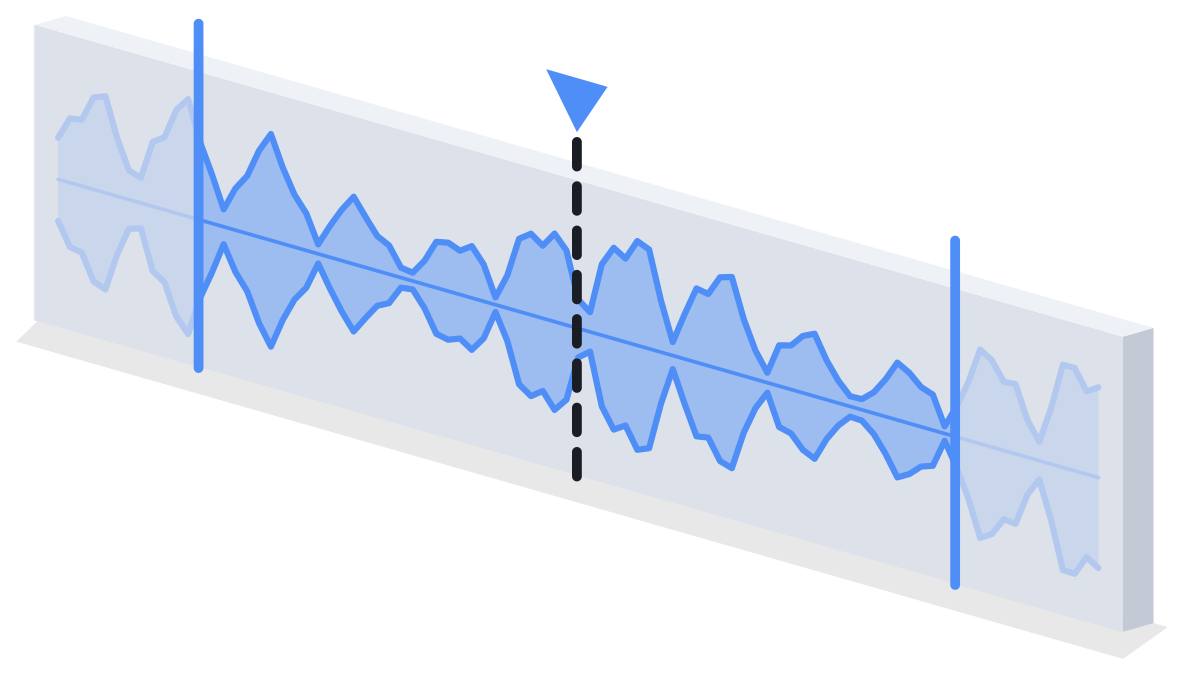
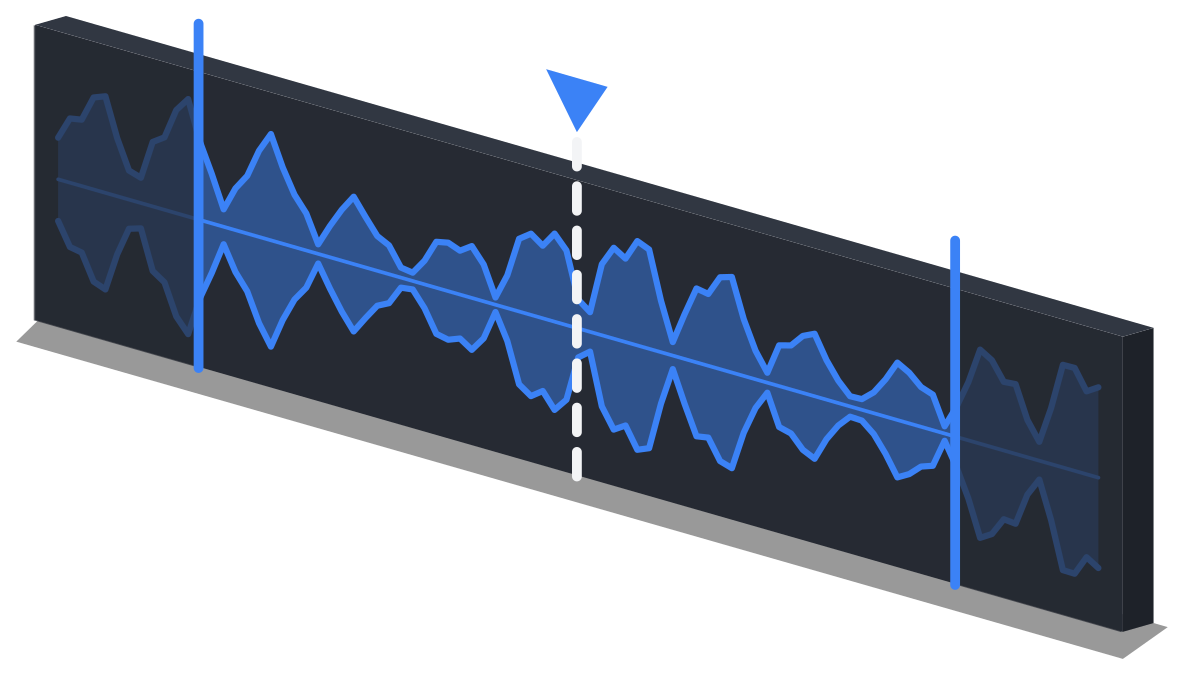


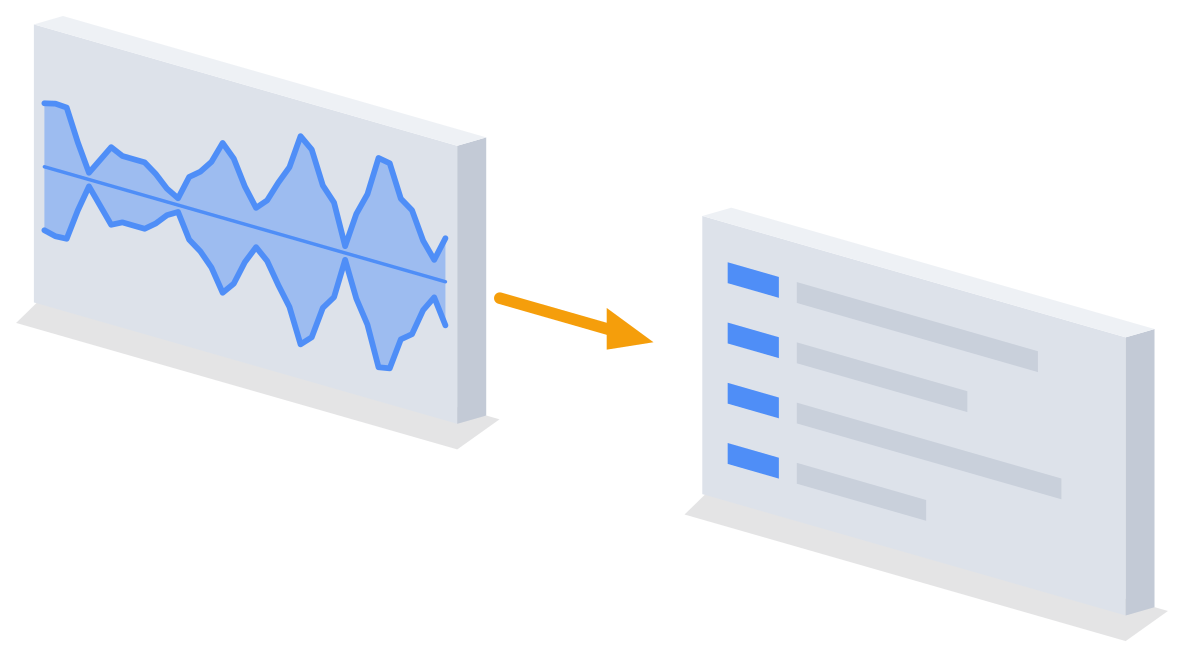
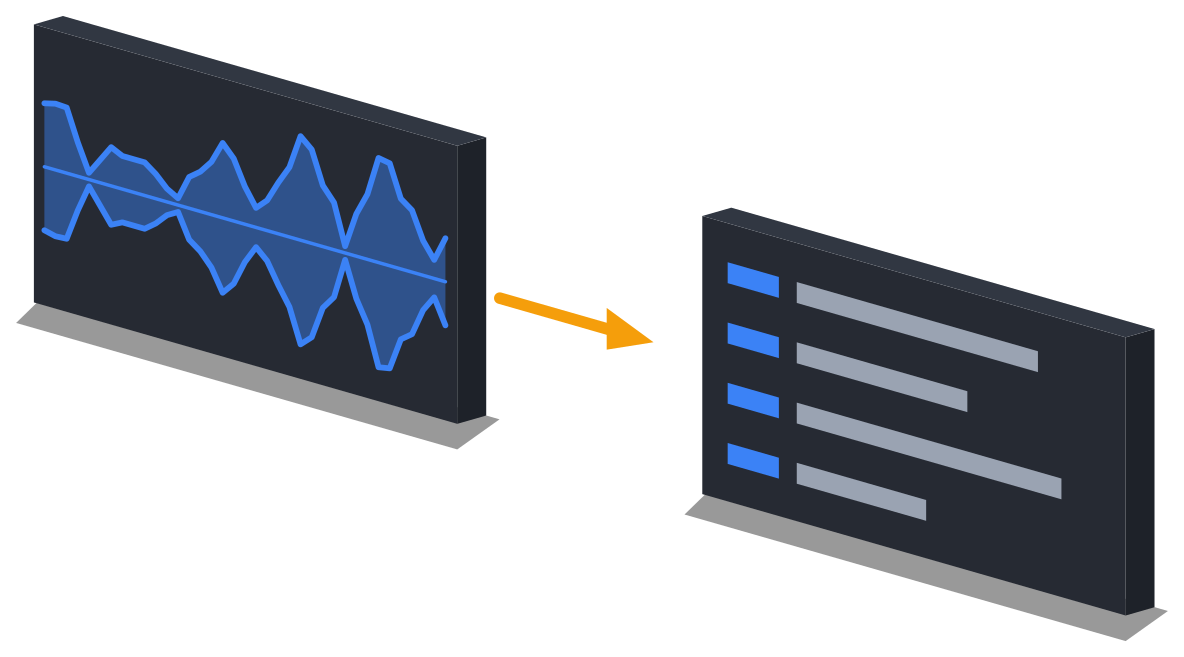
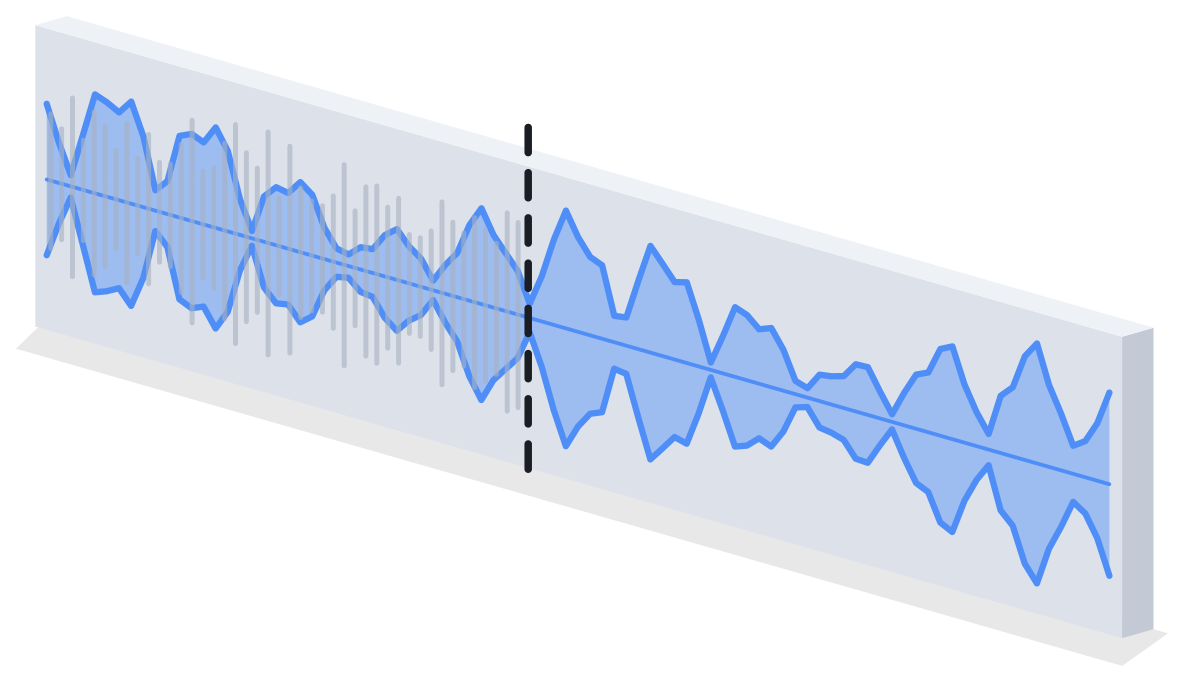
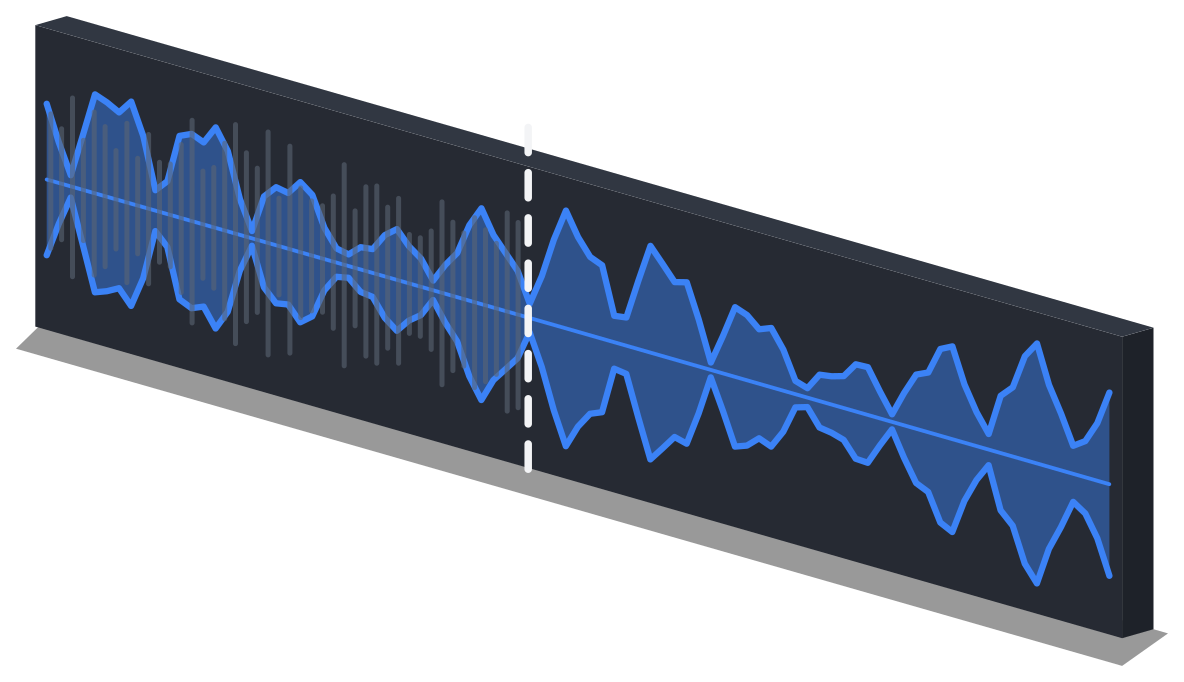
Cut and arrange

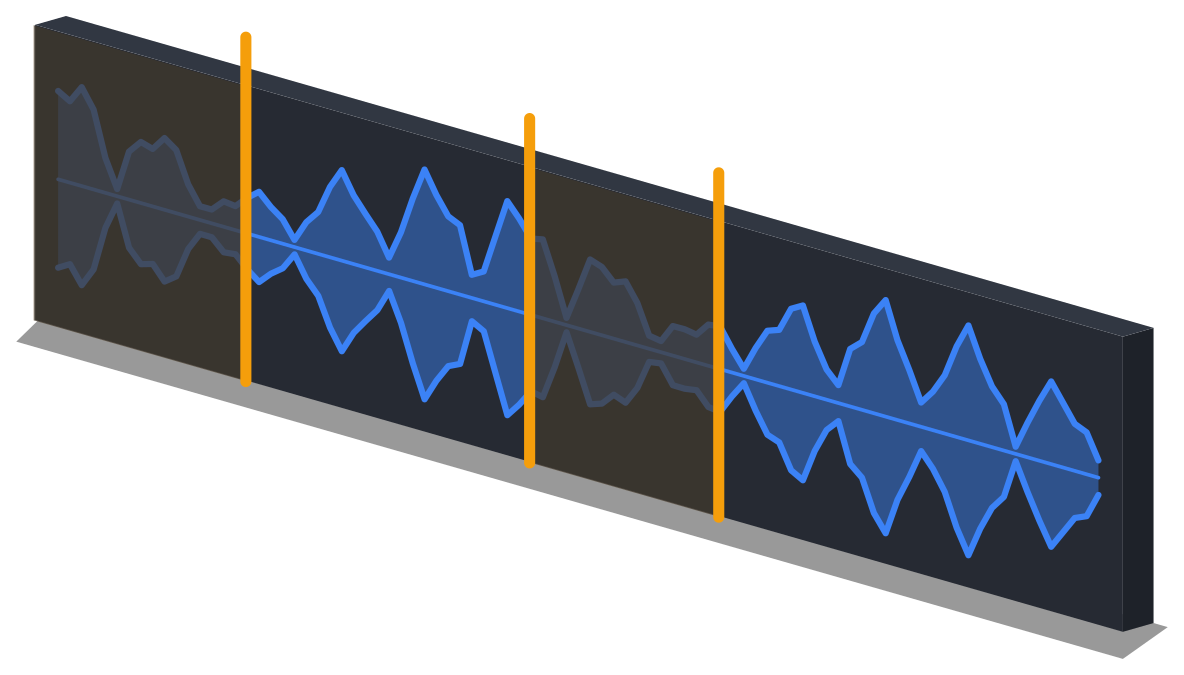






AI: separate, clean up, transcribe
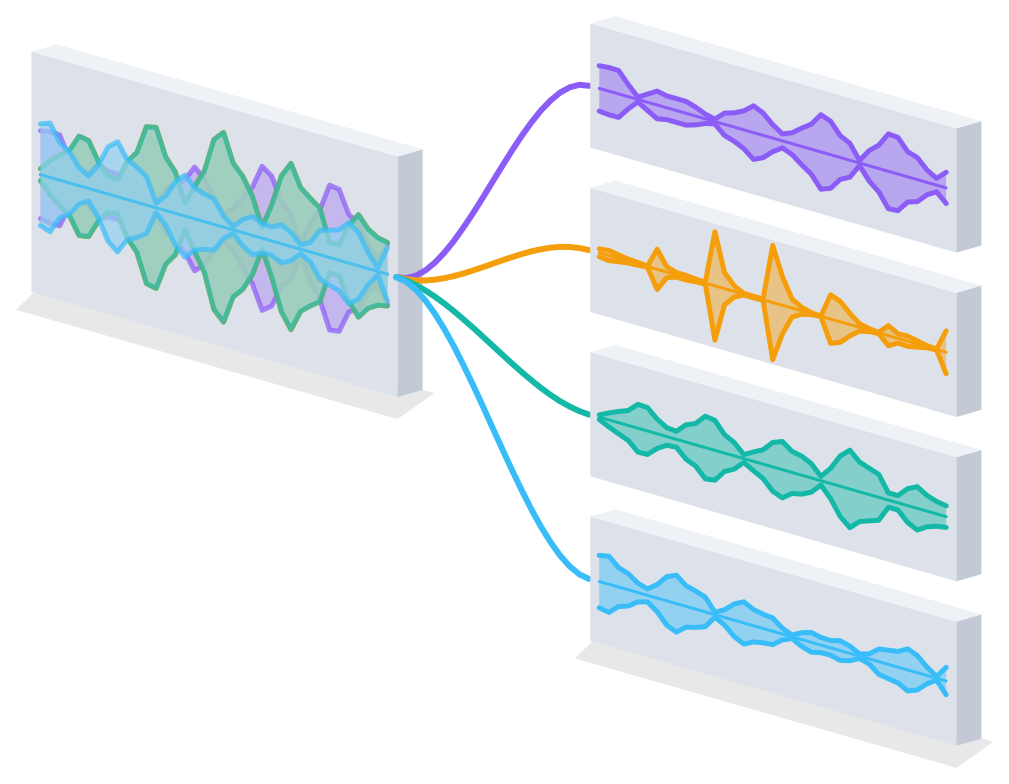

Analyze


Shape the sound










Convert and record

Frequently Asked Questions
Yes. Every tool is free, with no ads and no watermarks. Free includes ten exports a day plus three AI exports, files up to an hour, and three files per batch run. cut.audio Pro lifts these limits, both here in the browser and in cut.audio Studio, our Windows app. The one exception is text to speech: its audio carries an inaudible watermark that marks it as AI-generated, as the EU AI Act requires.
Most tools run on your device, in your browser or in the Windows app, and your audio is not sent anywhere. Only the few tools that need a GPU, more computing power than a browser has, run on our server. They are marked Cloud, and they tell you before your file is uploaded.
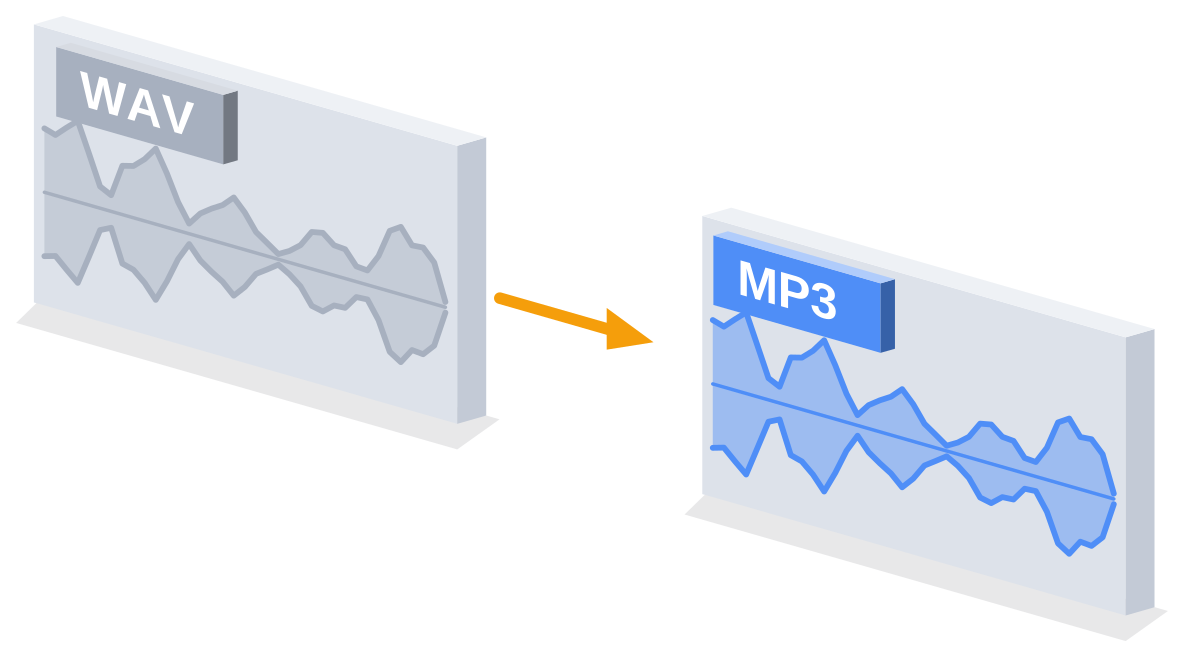
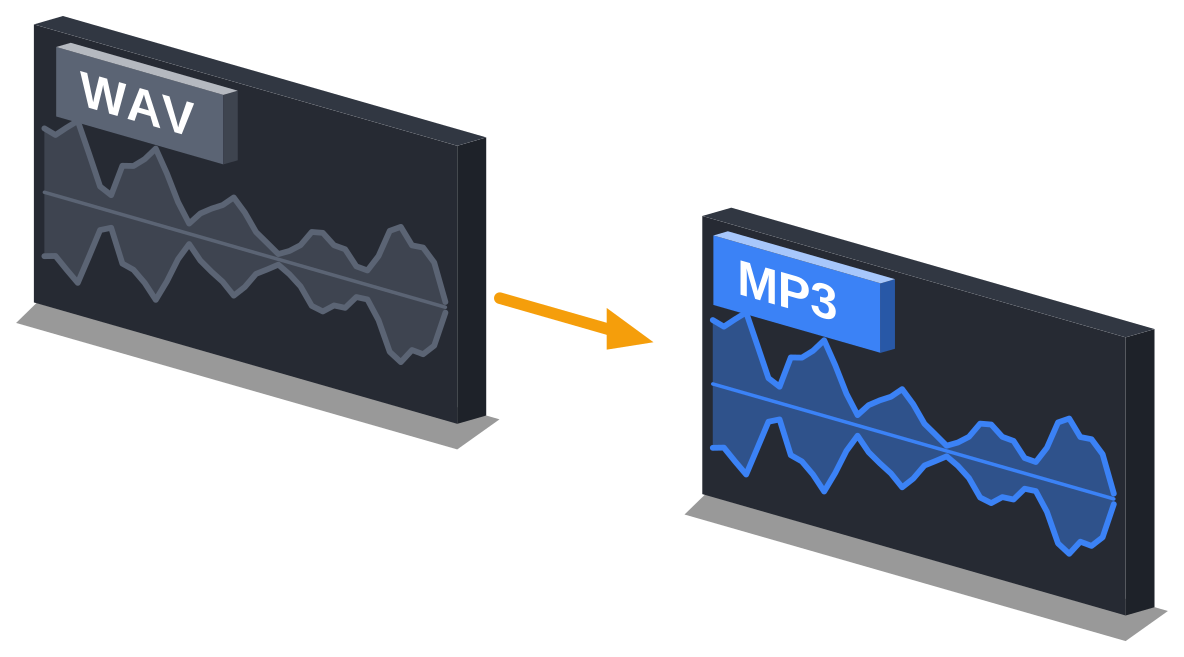
Almost anything: MP3, WAV, FLAC, OGG, M4A, AAC, Opus, AMR, WMA and more, including iPhone voice memos, WhatsApp notes and the audio track of MP4, MOV, MKV or WebM videos. Output is MP3, WAV, FLAC or OGG.
There is no file-size limit, only a length limit: one hour per file, in every format. Pro offers to split a longer file into parts in the browser where the format allows, and lets cut.audio Studio on Windows open it whole, up to four hours.
Yes. cut.audio works in any current mobile browser.